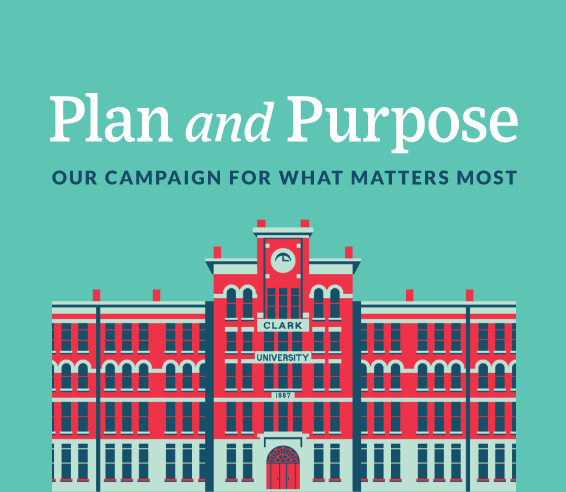
Panels work when you have a portrait-oriented photo or if you need more room for text than a traditional media and text block.
In instances where a traditional media and text block [link] doesn’t work, try a panel. The notch effect of the panel not only gives it a unique design, but affords you a bit more space to place your copy. Panels can also be used on a page with several media and text blocks to break up monotony or call more attention to a specific block.
Similar to media and text, panels require an image. The design of the panel lends itself to photos with a singular subject, whether it’s a person or an object, such as a campus building. Try to pick photos with a natural vertical perspective or that can be cropped in that manner.
Panels don’t require a link or button, although they almost always perform better with one. To create a panel, add a media and text block, and then select “panel” in the styles tab. Finally, change the vertical alignment of the block to “align middle.”